1
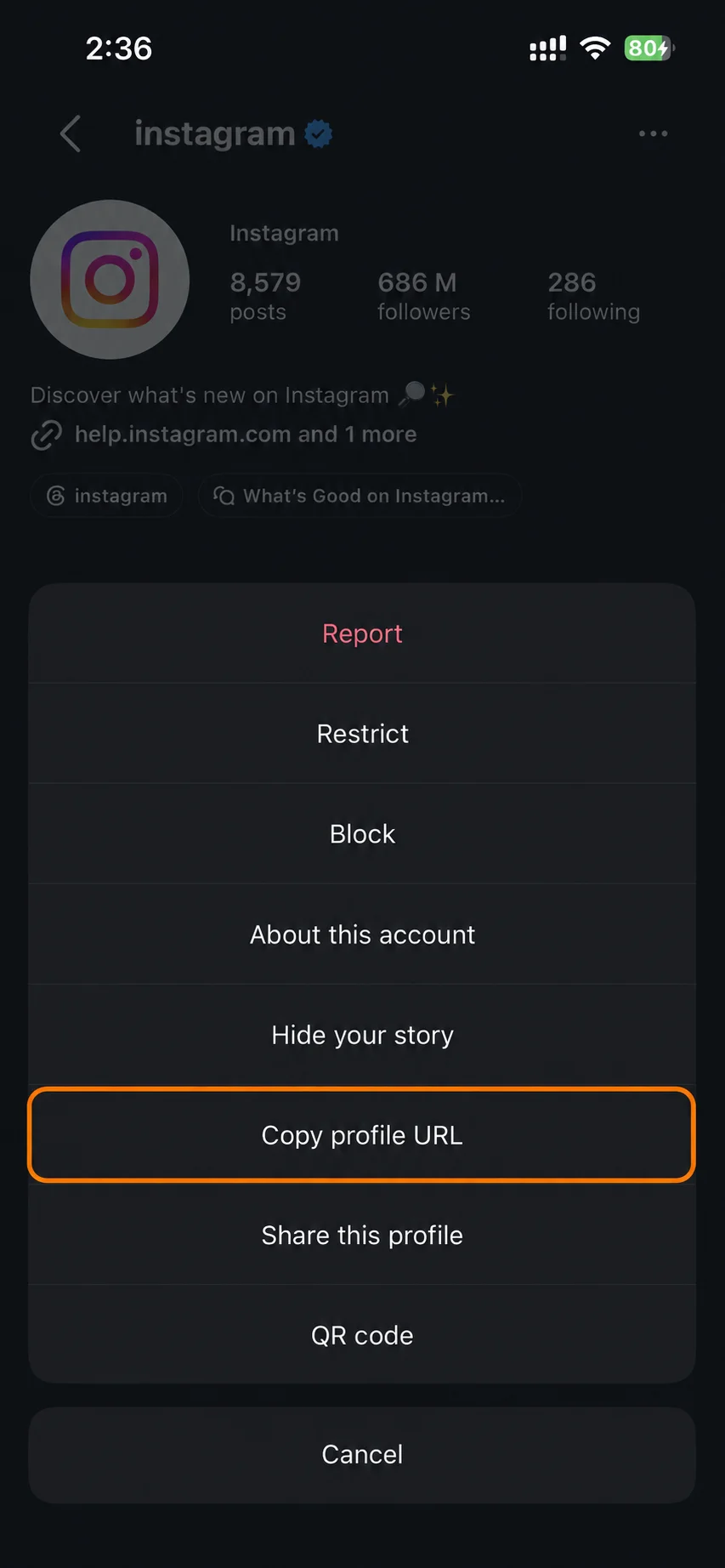
Copy the username or story link
Copy the @username of a public account, or a story link someone shared with you. Private accounts and Close Friends stories won't work.
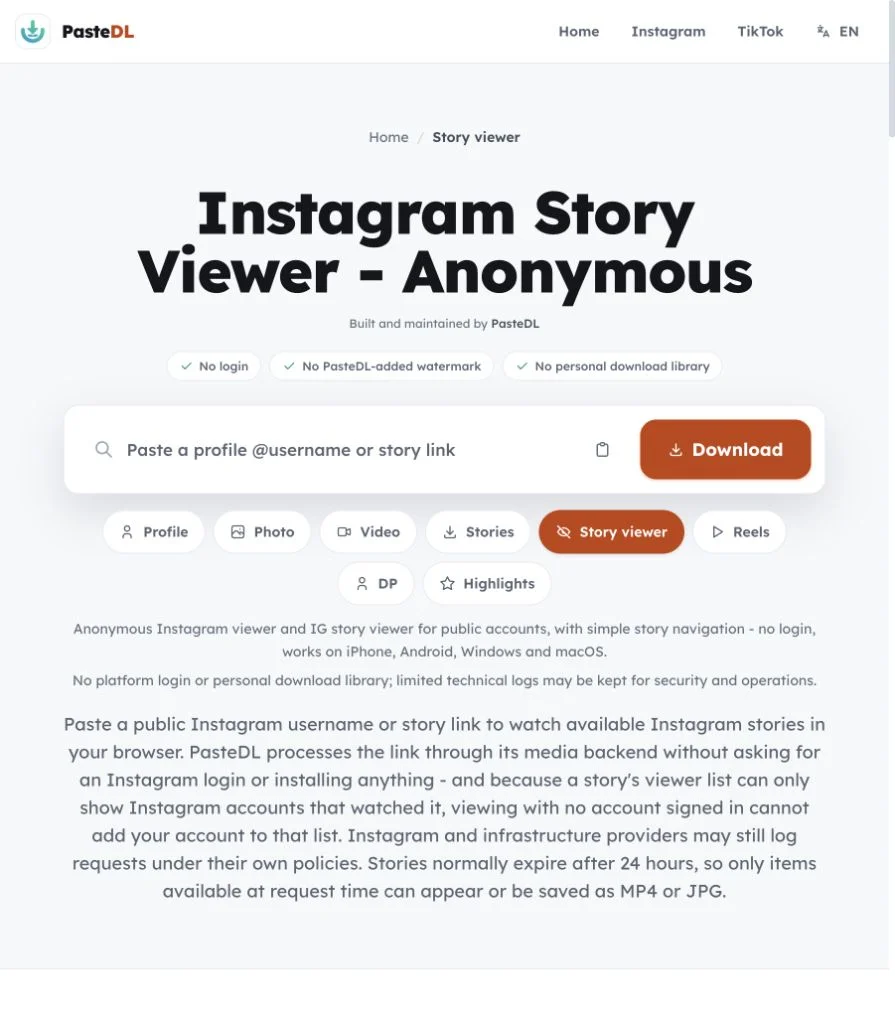
A free IG story viewer and insta story viewer for public accounts, with simple story navigation. No login.
No Instagram account is used, so nothing is recorded against an account of yours. PasteDL keeps limited technical logs for security.
No platform login and no personal download library. PasteDL keeps limited technical logs for security.
Instagram story
Three steps. No Instagram account, no app and no extension.
Copy the @username of a public account, or a story link someone shared with you. Private accounts and Close Friends stories won't work.
Paste the username or link into the box above and tap View stories. PasteDL lists every public story that is still up.
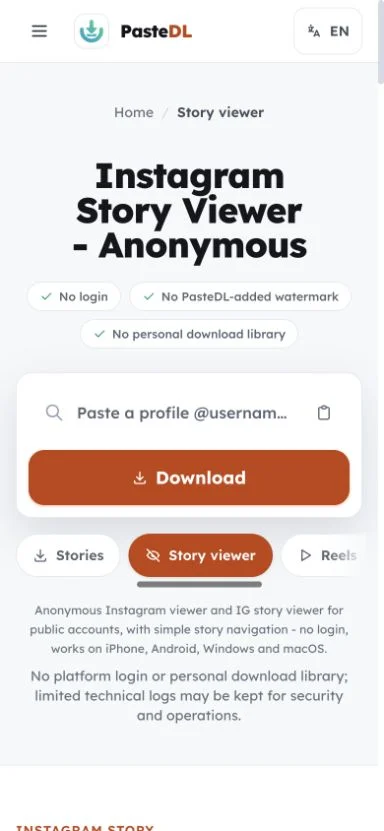
Tap a story to watch it. If you want a copy, save videos as MP4 and photos as JPG before the story expires.
Instagram story
Watch public Instagram stories with no login, then keep the ones you want as MP4 or JPG files.
PasteDL never asks for an Instagram account, password or cookies. Your own profile is never used to watch a story.
Watch first and decide later. You choose which stories, if any, to keep.
Stories usually stay up for 24 hours. Once Instagram takes one down, the viewer can't bring it back.
Works in modern browsers on iPhone, Android, tablets and computers, with nothing to install.
Instagram story
"Anonymous" gets overused in this category. On PasteDL it means one checkable thing: the viewer never uses your Instagram login, password or cookies. The link still goes through PasteDL's servers, and Instagram, hosting and network providers may log requests under their own policies. PasteDL can't speak for their systems.
In practice, the viewer shows public stories that are still up. Private accounts, Close Friends stories and expired or deleted stories stay out of reach. Stories pinned to a public Highlight last longer, and the Instagram highlights viewer handles those. PasteDL never signs in as a user or gets around access controls. If you just want to check what a public account posted today without opening the app, this is the quickest way to do it.
There is no account field, password prompt or cookie to hand over. That no-login design is all that "anonymous" means here.
PasteDL does not get around private accounts or Close Friends. If a story is not public, it won't show up. The same rule applies to stories that were deleted early or hidden by age or region limits.
Watching a story does not save it. If you have permission to keep a public story, save it as MP4 or JPG before it expires.
Type your own public username here to see which of your stories show up for someone who isn't logged in.
Instagram story
What anonymous means here, what stays out of reach, and how to keep a copy.
It means PasteDL never uses your Instagram account. You don't log in, and PasteDL never asks for a password or cookie, so your account can't appear in the story's viewer list. Here is what it does not mean: PasteDL cannot promise what Instagram or network providers log on their side, and PasteDL itself keeps limited technical logs for security. It also does not unlock private accounts.
No. PasteDL only shows stories from public accounts. It does not log in, follow accounts or get around privacy settings, and it does not support Close Friends stories. If an account is private, the only way to see its stories is to follow it from your own Instagram account and be approved. Be wary of any site that promises otherwise and asks for your login.
Yes, for public accounts. You don't need an Instagram account, the Instagram app, an extension or a PasteDL signup. Type a public username or paste a story link and the stories load in your browser. It works on iPhone, Android, Windows, macOS and Linux, and there is nothing to update or give permissions to later.
Not once Instagram takes it down. Stories usually last 24 hours from when they were posted, not from when you first saw them, and a creator can remove one sooner. The creator may keep a private copy in their Archive, but no public tool can reach it. If the story was pinned to a Highlight, you can still watch it with the Instagram highlights viewer.
The viewer is for watching: type a username, browse the stories and keep something only if you want to. The Instagram story downloader is for saving a specific story link. Both work only with public accounts, and neither needs a login. If you start here and decide to keep a story, the save button is already on each item.
A story's viewer list only shows Instagram accounts that watched it. With PasteDL you are not signed in to any account, so yours can't be added to that list. PasteDL cannot promise what Instagram records in other ways, so read this as how the tool works, not a guarantee.
Usually one of these: the account has not posted a story in the last 24 hours, the stories have expired, the account is private, or the stories were shared with Close Friends only. Check the spelling of the username too. If the account is public and shows a story ring in the app, wait a minute and try again, because Instagram sometimes slows down requests.
Yes. Highlights are stories the owner pinned to their profile, so they stay up after the usual 24 hours. Use the Instagram highlights viewer the same way: type the username, pick a Highlight and watch each item, with no login.
Not reliably. Airplane mode tricks inside the Instagram app are hit and miss, and an incognito window does nothing if you log in to Instagram inside it. A web viewer like this one avoids the problem because no Instagram account is signed in at all.
Open this page in Safari, Chrome or any mobile browser. Type the @username or paste a profile or story link, then tap View stories. Tap a story to watch it and move from one story to the next. To keep one, save it: videos save as MP4 and photos as JPG. There is no app to install.
Yes. There is no signup, no daily cap and no paid plan. Type a public username, watch as many of their current stories as you like, and save the ones you have permission to keep. You don't need an Instagram account or a PasteDL account, and nothing has to be installed.
Yes. Open this page in Chrome, Edge, Firefox or Safari on Windows, macOS or Linux. Type the @username or paste a story link and the stories open in the page. It is often easier than the Instagram website, which asks you to log in before it shows stories at all.
Yes. Paste the full story link, such as instagram.com/stories/username/ followed by a number, and PasteDL shows the stories from that account that are still up. If the link has expired or the account is private, nothing will load, because only public stories can be shown.
Yes, but only inside Instagram. Open your own story in the app and tap the viewer count at the bottom to see which accounts watched it. Instagram keeps that list for a limited time after you post. PasteDL can't show viewer lists for any account, including yours, because it only reads the public story itself.
Trust and safety
The three questions people ask most before using any Instagram downloader, answered plainly.
Use PasteDL only for Instagram content you own or have the creator's permission to download. A public post is still protected by copyright, and downloading it gives you no licence to republish, edit, sell or pass it off as your own. Instagram's rules and local law apply too, and they differ by country and by use. Get permission when you need it. This is general information, not legal advice.
PasteDL never asks you to log in or share your Instagram password or cookies, so it does not act through your account. That is not a promise about Instagram, which sets its own rules, logging and enforcement and can change them. Read Instagram's current terms, avoid automated or abusive use, and download only content you own or have permission to save.
You install nothing: no app, extension, APK or download manager. PasteDL's media backend handles the public link, and a CDN may cache the file for a short time while it is delivered. PasteDL keeps limited technical logs for security, abuse prevention, debugging and operations. Ads and consent services run on the site as described in the Privacy Policy. Old removal guides for an unrelated adware program with a similar name have nothing to do with this site.
Saving a file does not transfer any rights. The creator still owns what you downloaded - keep it to personal use unless you have their permission.
Continue with another PasteDL downloader for the same Instagram account.
Official references
Instagram policies and account controls
Last updated:
Built and maintained by PasteDL · support@pastedl.com