1
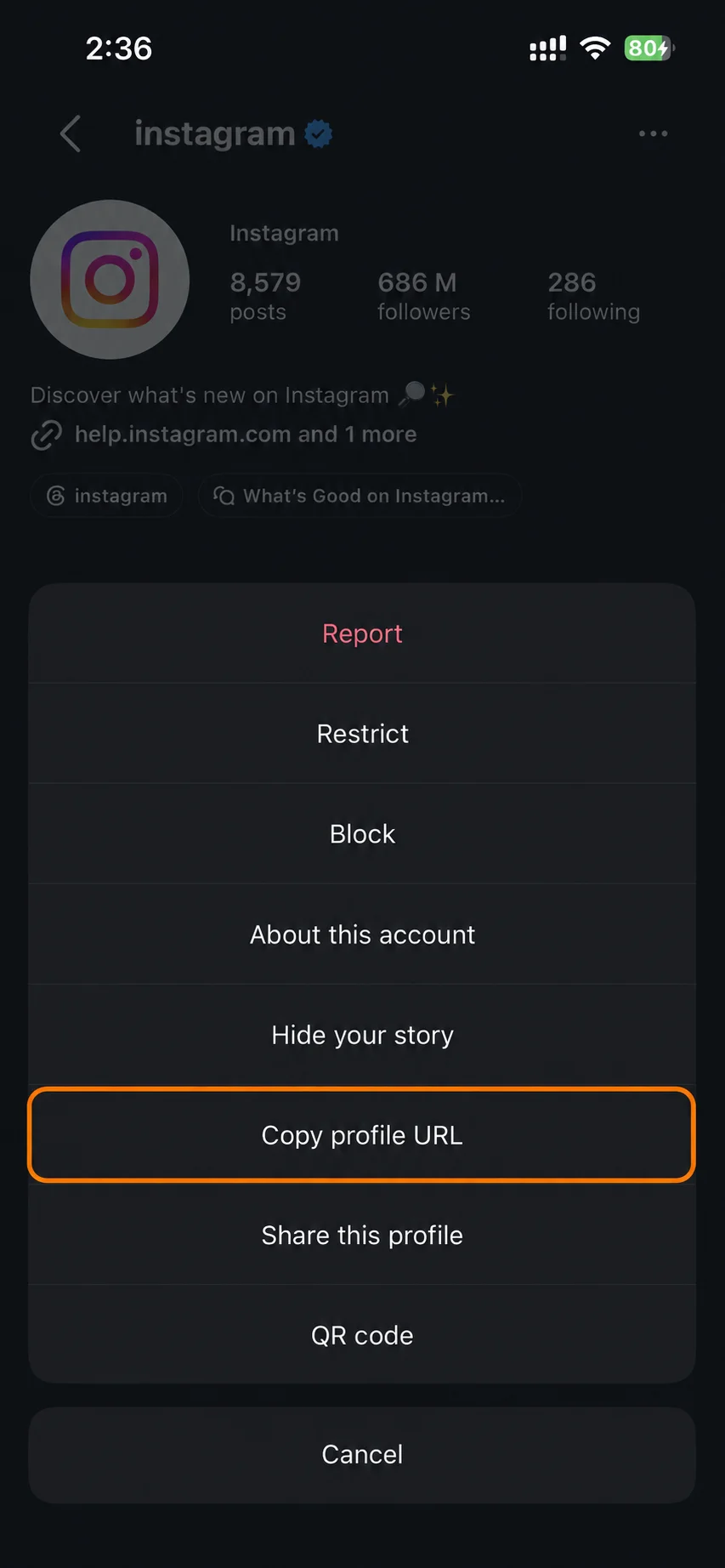
Copy the profile URL
Copy the profile link from Instagram, or just type the username. Check that the account is public and spelled right.
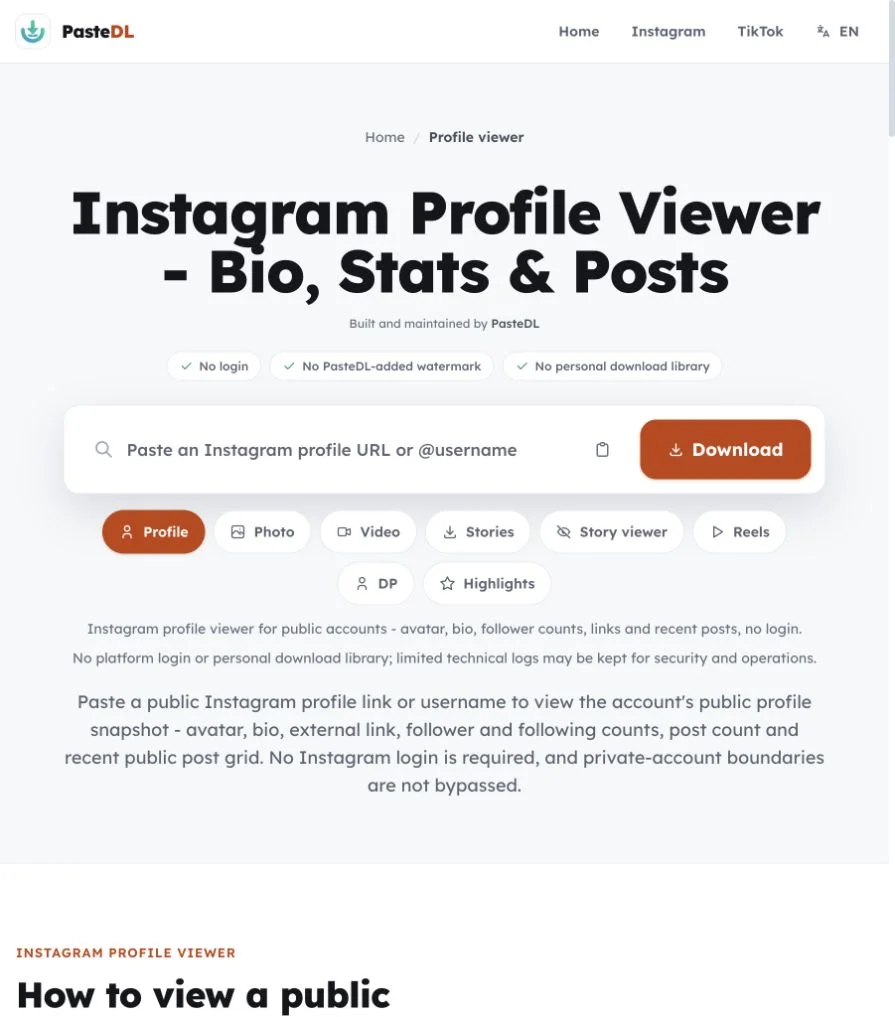
Instagram profile viewer for public accounts: avatar, bio, follower counts, links and recent posts. No login.
No platform login and no personal download library. PasteDL keeps limited technical logs for security.
Instagram profile viewer
Use the Instagram profile viewer for research, personal archiving or a quick look at a public account. Private profiles stay private.
Copy the profile link from Instagram, or just type the username. Check that the account is public and spelled right.
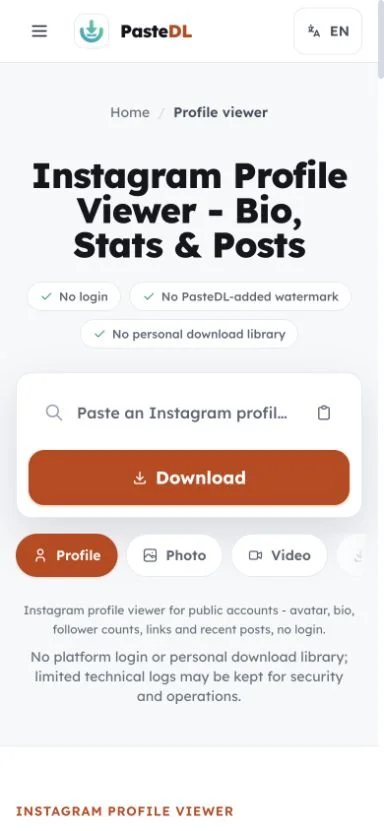
Paste it into the box above. PasteDL loads the avatar, bio, public counts and recent posts. Private posts and follower-only content are not included.
Save the avatar or open any public post to download it. For an archive of an account you own, use Instagram's own data export.
Instagram profile viewer
A quick public-profile snapshot with avatar, bio, counts, links and recent posts, with no Instagram login.
You see what a logged-out visitor sees: avatar, bio, counts and public posts. It is not a private account viewer.
Open the profile picture and recent posts from one place, then save public photos, videos or Reels.
Private accounts and follower-only content stay private. PasteDL follows Instagram's privacy settings.
A username is enough to start. You can also paste links copied from the Instagram app.
Instagram profile viewer
The profile tool captures the public side of an account in one view: the avatar, display name, bio, external link, follower, following and post counts, and a grid of recent public posts you can open one by one.
It is a research and archiving view of public data, not a private-account export.
Archived posts, drafts, expired stories that were not pinned to Highlights, the Tagged tab and follower-only content are not public, so they won't appear.
Follower and post counts show what Instagram displays at the moment you look. They don't keep updating after that.
Use the profile viewer for the full account and its recent posts. Use the DP tool when you only need the avatar.
For an account you own, use Instagram's Download Your Information option to request an archive. Instagram decides what it includes and when it arrives. The profile viewer only shows the public snapshot.
Instagram profile viewer
What the profile viewer can and cannot show.
It shows the public side of an account in one view: avatar, display name, bio, external link, follower, following and post counts, and a grid of recent public posts you can open one by one. If Instagram hides a count, it stays blank. Private posts, drafts, archived posts, messages, the Tagged tab and follower-only stories are not part of it. You don't need an Instagram login.
Yes. The profile viewer gives you the whole public profile: avatar, bio, link, counts and recent posts. The Instagram profile picture downloader does one thing: it shows the profile picture uncropped and saves it as a JPG. Neither needs a login. Pick the profile viewer for context and the profile picture tool when the avatar is all you need.
No, on purpose. The profile viewer lists recent public posts, but you save them one at a time through the matching tool: Photo, Video, Reels, Stories or Highlights. There are no ZIP exports or bulk-save buttons, which keeps each item, and your right to save it, in view. For an account you own, Instagram's Download Your Information tool is the right place to ask for an archive; Instagram decides what it includes and when it arrives.
Private accounts are not supported. PasteDL shows only public profile data and does not get around private settings, follower approval, deleted content or region limits. Counts are a snapshot from the moment you look. PasteDL keeps limited technical logs for security and operations. If the account belongs to someone else and is private, ask them for access. PasteDL is not affiliated with Instagram or Meta.
Yes. Open this page in Safari, Chrome or any mobile browser, type the public username and tap search. You'll see the same profile view as on a computer. To save something, open the post and use the matching tool, such as the video or photo downloader. No app and no Instagram login needed.
For your own account, the best option is Instagram's Download Your Information tool in your account settings. It lets you request an archive of your account, and Instagram decides what goes in it and how it is delivered. For a single public post or Reel you want to keep right now, paste its link into the matching PasteDL tool.
Trust and safety
The three questions people ask most before using any Instagram downloader, answered plainly.
Use PasteDL only for Instagram content you own or have the creator's permission to download. A public post is still protected by copyright, and downloading it gives you no licence to republish, edit, sell or pass it off as your own. Instagram's rules and local law apply too, and they differ by country and by use. Get permission when you need it. This is general information, not legal advice.
PasteDL never asks you to log in or share your Instagram password or cookies, so it does not act through your account. That is not a promise about Instagram, which sets its own rules, logging and enforcement and can change them. Read Instagram's current terms, avoid automated or abusive use, and download only content you own or have permission to save.
You install nothing: no app, extension, APK or download manager. PasteDL's media backend handles the public link, and a CDN may cache the file for a short time while it is delivered. PasteDL keeps limited technical logs for security, abuse prevention, debugging and operations. Ads and consent services run on the site as described in the Privacy Policy. Old removal guides for an unrelated adware program with a similar name have nothing to do with this site.
Saving a file does not transfer any rights. The creator still owns what you downloaded - keep it to personal use unless you have their permission.
Continue with another PasteDL downloader for the same Instagram account.
Official references
Instagram policies and account controls
Last updated:
Built and maintained by PasteDL · support@pastedl.com