1
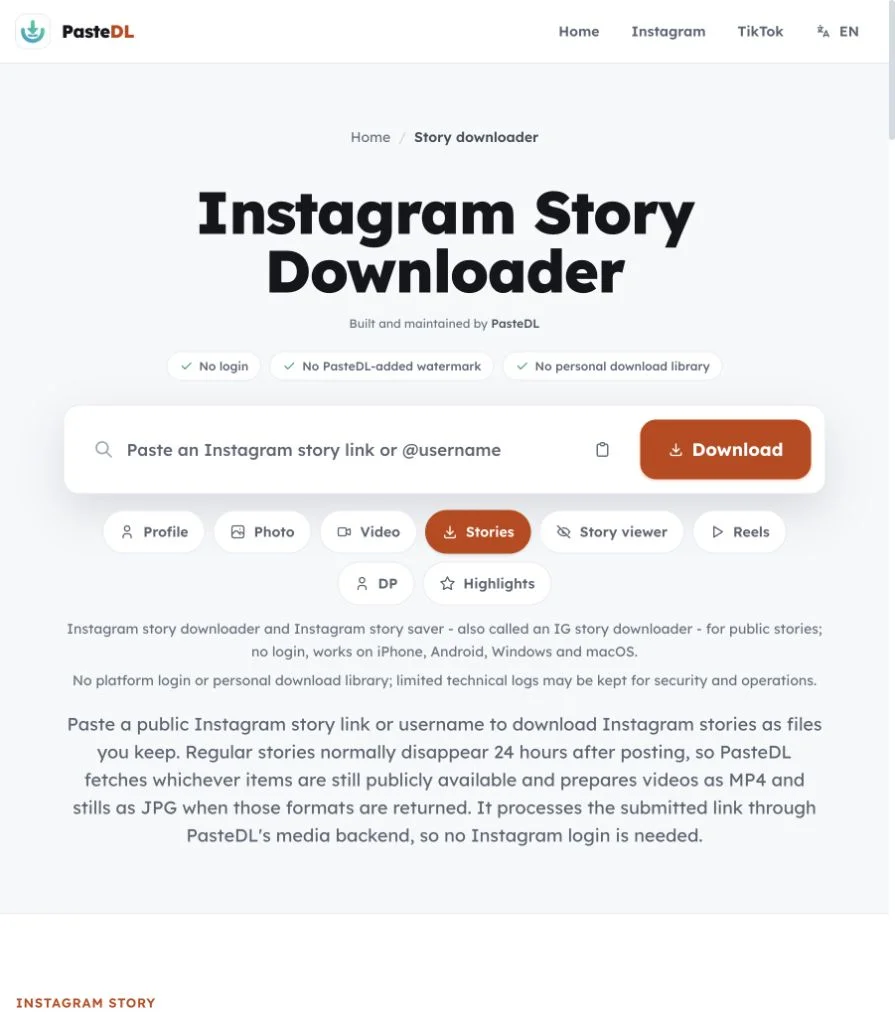
Copy the story or profile
Copy the story link, the profile link or just the @username. The account has to be public. Close Friends stories and private accounts won't work.
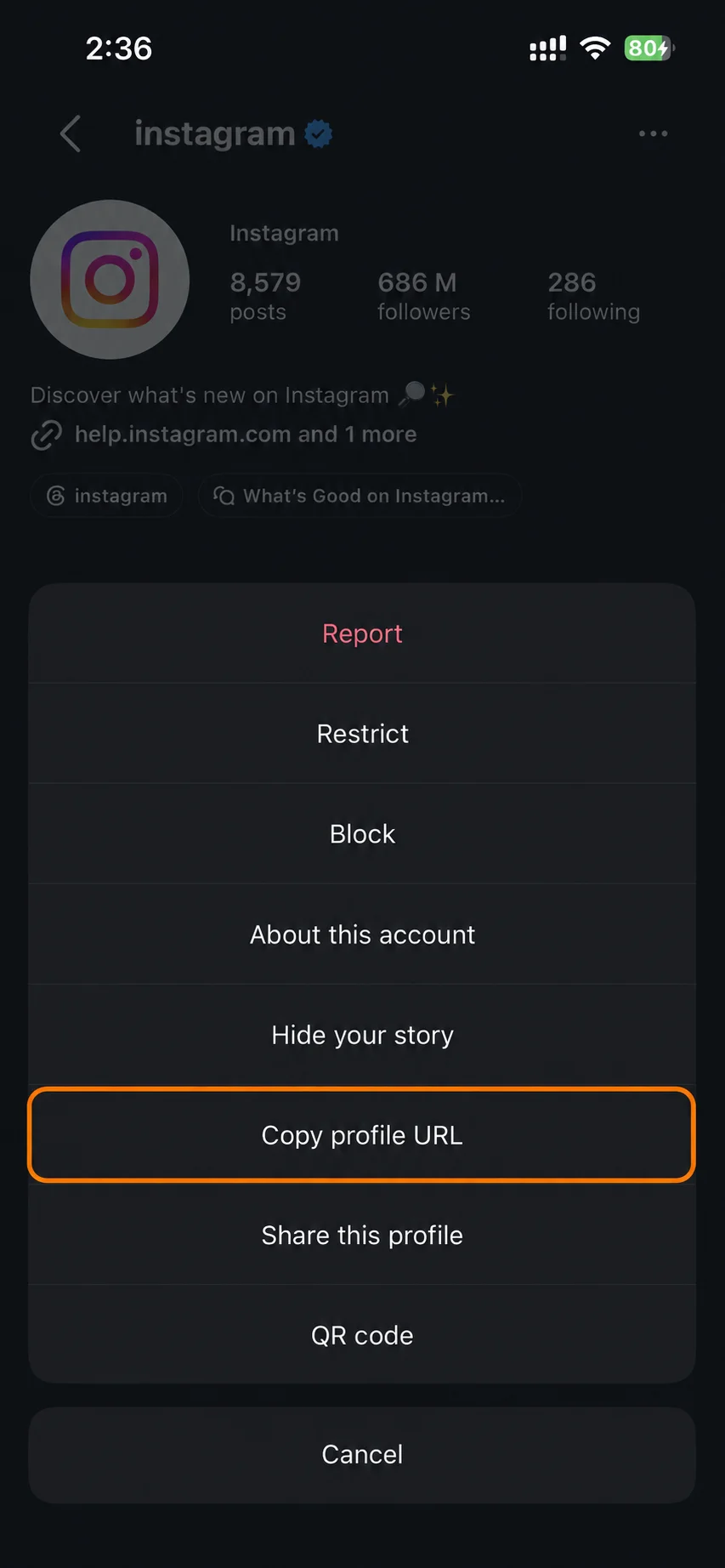
An IG story downloader and Instagram story saver for public accounts. Works on iPhone, Android, Windows and Mac.
No platform login and no personal download library. PasteDL keeps limited technical logs for security.
Instagram story
Stories usually last 24 hours, so timing matters. Saving Instagram stories takes three steps and no login.
Copy the story link, the profile link or just the @username. The account has to be public. Close Friends stories and private accounts won't work.
Paste the link or username into the box above. PasteDL checks which public stories are still up and lists each one.
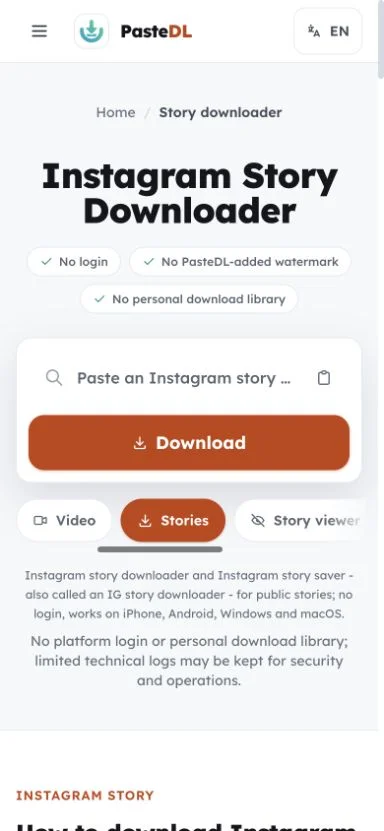
Save video stories as MP4 and photo stories as JPG. Do it while the story is live, because expired stories are gone unless the owner pins them to a Highlight.
Instagram story
Save public Instagram stories as MP4 or JPG files with no login.
Save a story while it is still up. Once it expires or the creator deletes it, PasteDL can't get it back.
PasteDL never asks for your Instagram account, password or cookies. Your own profile is not used to look up stories.
Video stories save as MP4 and photo stories save as JPG, matching what the creator posted.
Works in modern browsers on phones, tablets and computers. Handy when you need to save a story from a work laptop with nothing installed.
Instagram story
One mistake comes up again and again: people think the 24 hours start when they first see a story. They don't. The clock starts when the creator posts, so a story in your feed may already be many hours old. PasteDL can save a public story while it is still up, but not after Instagram takes it down.
After a story expires, the creator may still have it in their private Archive, which no public tool can reach. Stories pinned to a public Highlight last longer, and the Instagram highlights viewer is built for those. If a story matters and you have permission, save it while it is live.
A story's usual 24 hours count from when it was posted, not from midnight or from when you saw it. If a story is already hours old, save it soon.
Close Friends stories and stories from private accounts are never public, so PasteDL can't open them. That is Instagram's privacy boundary, not a bug.
Polls, quizzes, music, locations and mentions usually appear when they are part of the story. App controls drawn on top of the story are not part of the file.
Saving your own public story gives you a quick local copy before it expires. Keep the version in your camera roll if you need full quality.
Instagram story
Privacy, formats and limits before you save a story.
No. PasteDL never asks for your Instagram password or cookies. Paste a public story link or username and it lists the stories that are still up. Save videos as MP4 and photos as JPG, with no PasteDL signup and no watermark added by PasteDL. Private accounts and Close Friends stories are not supported.
Usually for one of four reasons: the story has expired, the creator deleted it, the account is private, or the story was shared with Close Friends only. Age or region limits can also hide a story. Stories usually stay up for 24 hours from when they were posted, not from when you first saw them, and a creator can remove one sooner. PasteDL only lists what Instagram serves for a public link.
You get the MP4 or JPG that Instagram serves for each story. Size, sound and stickers follow that file. Stickers that are part of the story, like polls or mentions, usually stay in. Parts of the app drawn on top, like the progress bar, do not. PasteDL does not upscale stories, merge them or add a watermark.
No, on purpose. PasteDL lists each story on its own, so you pick the ones you own or have permission to save instead of a big ZIP full of stories you would delete. It also keeps ad stories and unrelated items out of your downloads. For an archive of your own account, use Instagram's Download Your Information tool; Instagram decides what it includes and when it arrives. For a side-by-side of story tools, see PasteDL vs FastVideoSave.
No app needed. Copy the story link or the profile link, open this page in your phone's browser, paste it and tap Download. Story videos save as MP4 and story photos as JPG. On Android the file usually goes to Downloads and may show up in your gallery, depending on your settings. On iPhone, Safari saves it to the Files app; tap and hold an image to save it to Photos, or open a video, tap Share and then Save Video. Only public accounts work.
Only public stories work. Private accounts, Close Friends stories, expired stories and stories hidden by age or region limits are out of reach, and PasteDL does not try to get around those controls. Size and sound follow what Instagram serves. PasteDL keeps limited technical logs for security and operations. Save only stories you own or have permission to save, and follow Instagram's rules and local law. PasteDL is not affiliated with Instagram or Meta.
Only if the creator pinned them to a public Highlight. Expired stories that were not pinned leave public view, and no public tool can reach them. Pinned stories stay on the profile as long as the owner keeps them there. To save those, use the Instagram highlights viewer, which lists each item in a Highlight.
Trust and safety
Three things worth knowing about any Instagram downloader, and how PasteDL handles each of them.
It can, unless you own the content, have the creator's permission or have another lawful reason to save it. A public post is protected by copyright from the moment it is published, and a downloaded copy carries no right to republish, remix, sell or present it as yours. Instagram's terms and your local law set their own limits on top, and those differ from place to place. Get permission where it is needed, and treat this as general guidance, not legal advice.
PasteDL works without your Instagram account: no login prompt, no password field and no cookie to hand over, so nothing here is done as you. Still, Instagram alone decides its rules, what it logs, whom it notifies and how it enforces its policies, and it can revise those at any time. Read Instagram's current terms, avoid automated or abusive patterns, and download only content you own or are allowed to save.
No installation of any kind: PasteDL is a web page, not an app, extension, APK or download manager. Your public link is processed by PasteDL's media backend, and a CDN may cache the media briefly on its way to you. The site keeps limited technical logs to stay secure, prevent abuse, fix bugs and run operations. Advertising and consent services work on PasteDL as the Privacy Policy describes. Guides about removing an unrelated adware program with a similar name do not refer to this site.
A saved file is still the creator's work. Ownership does not move with the download, so keep it for personal use unless the creator has agreed otherwise.
Continue with another PasteDL downloader for the same Instagram account.
Official references
Instagram policies and account controls
Last updated:
Built and maintained by PasteDL · support@pastedl.com