1
Copy the profile or Highlight
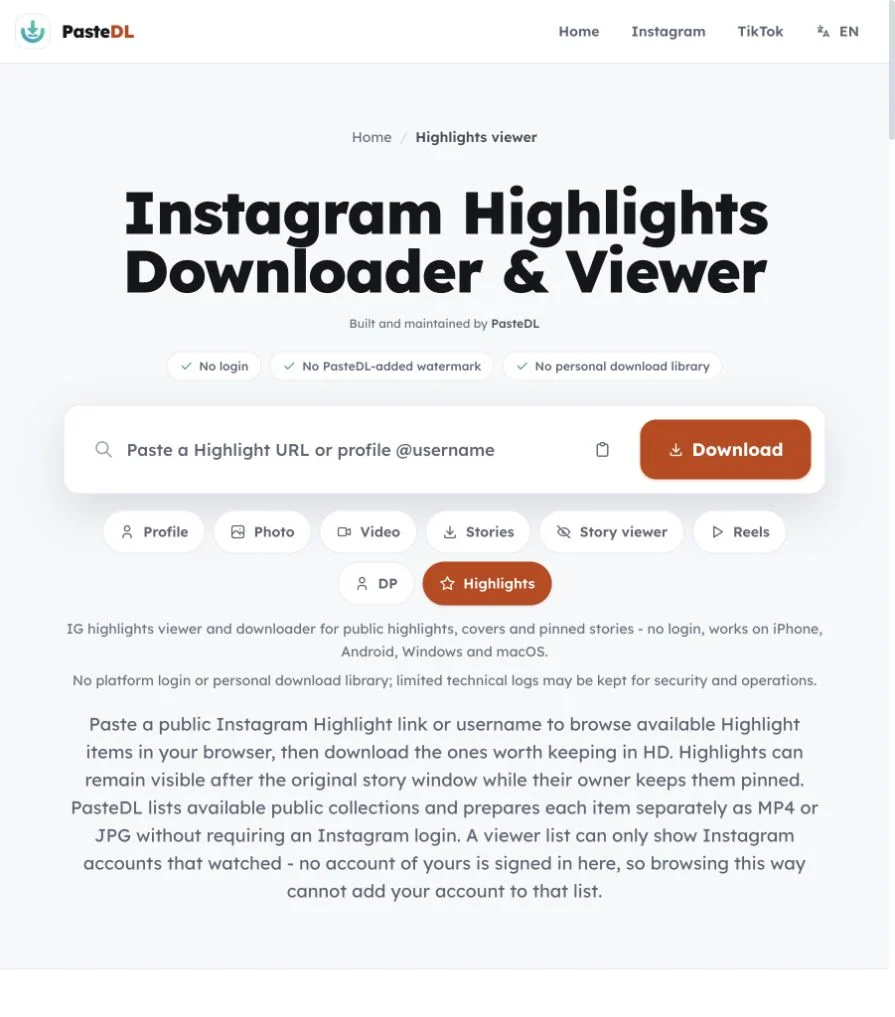
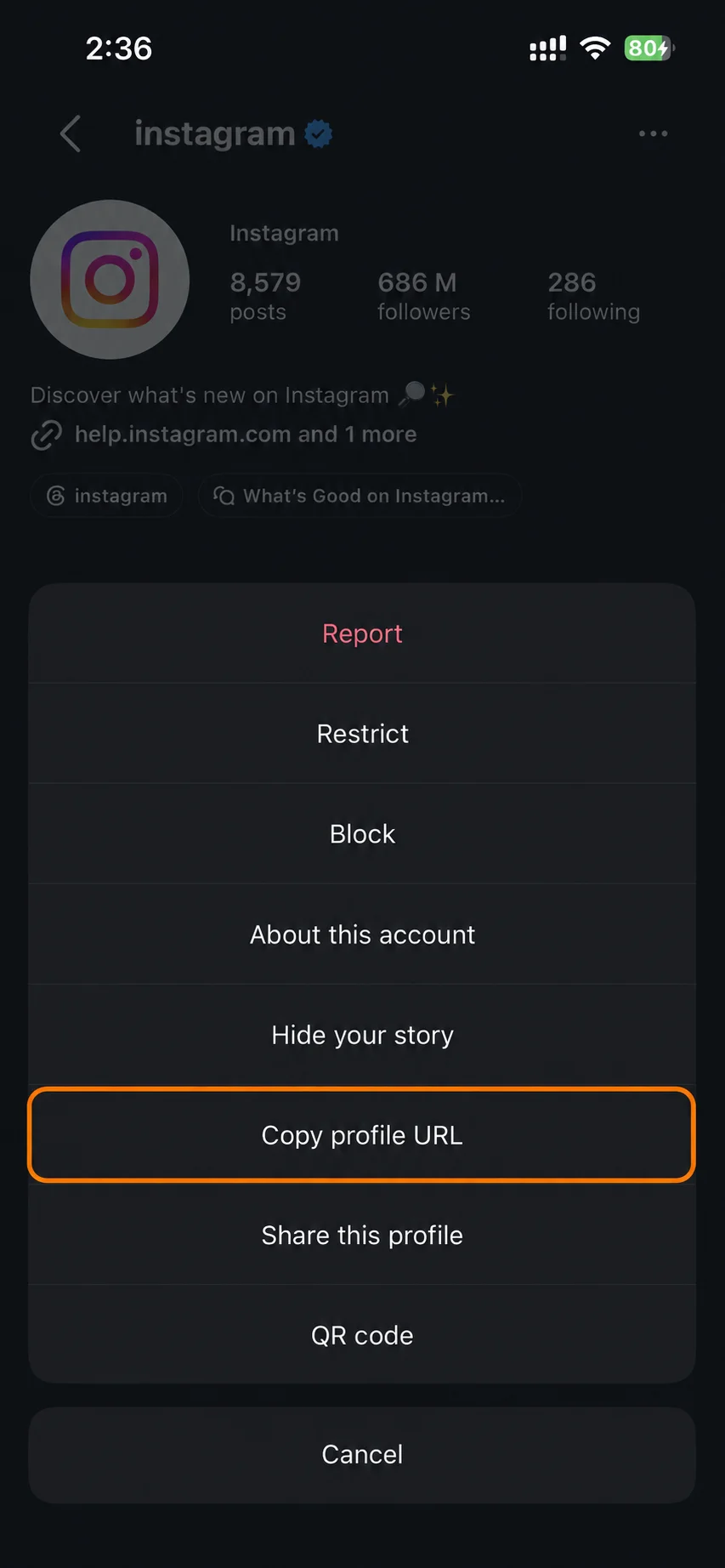
Copy the link of a public profile or Highlight, or just type the @username. Private accounts won't work.
An IG highlights viewer and downloader for public profiles. Works on iPhone, Android, Windows and Mac.
No platform login and no personal download library. PasteDL keeps limited technical logs for security.
Instagram Highlight
Highlights are stories a creator pinned to their profile. Watch each item first, then download Instagram highlights one by one, with no login.
Copy the link of a public profile or Highlight, or just type the @username. Private accounts won't work.
Paste it into the box above. PasteDL lists the profile's public Highlights and every video and photo inside them.
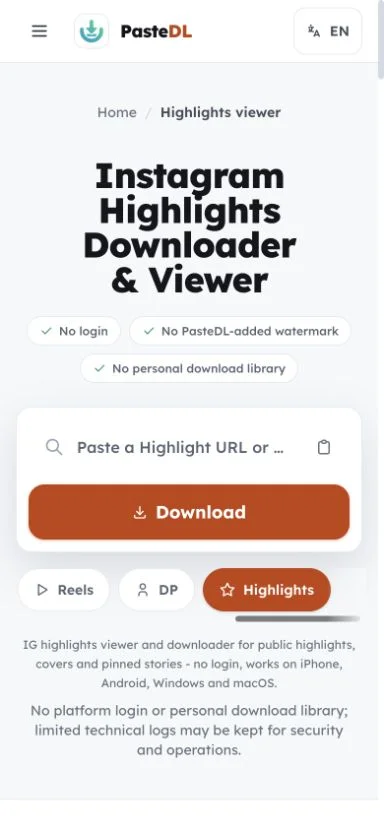
Watch any item, then save videos as MP4 and photos as JPG. Saving one item at a time keeps unrelated clips out of your downloads.
Instagram Highlight
Save public Highlight items as MP4 or JPG, one by one, with no Instagram login.
Highlights are the stories an account chose to keep on its profile. PasteDL shows the ones that are public.
Video items save as MP4 and photo items save as JPG, matching what the creator posted.
Covers and previews help you pick what you actually want. No need to grab a whole collection blindly.
PasteDL never gets around privacy settings. If a Highlight is on a private account, it stays private.
Instagram Highlight
We think of Highlights as the longer-lasting cousin of stories. A Highlight is a set of past stories the creator pinned to their profile. The Instagram story downloader covers those same items while they are still live in the story tray. Unlike a regular story, a public Highlight stays up as long as the owner keeps it pinned.
That makes Highlights useful when you come back days or weeks later. If the item is still pinned and public, PasteDL can show it. Items the owner has unpinned are gone from public view.
The round Highlight cover is a separate decorative image, not one of the stories. PasteDL lists the actual stories inside the Highlight, each as its own MP4 or JPG.
A Highlight with 30 items is 30 separate files. You preview them first and choose exactly what you need, instead of getting one archive.
Highlights on a private account are only visible to approved followers inside the app, so PasteDL can't show them. The Instagram story viewer works within the same boundary.
Highlights are not tied to the 24-hour story window, so an item can still be there days or weeks later while the owner keeps it pinned.
Instagram Highlight
Viewing, saving and limits.
A regular story usually stays up for 24 hours from when it was posted. A Highlight is a story the owner pinned to their profile, so it stays visible after that window for as long as they keep it there. In practice: save live stories before they expire, but Highlights can wait. Each Highlight item saves as MP4 or JPG, with no Instagram login and no watermark added by PasteDL.
No, on purpose. PasteDL lists each item on its own, so you save only what you need instead of a big ZIP full of clips you would delete. A Highlight with 30 items shows up as 30 previews, and you tap Download on the ones you want. For an export of your own account, use Instagram's Download Your Data tool; Instagram decides what it includes.
You get the MP4 or JPG that Instagram serves for each item. Size, sound and stickers follow that file. Stickers that are part of the story usually stay in, while the cover ring, progress bars and account header do not. PasteDL does not upscale items, merge them or add a watermark.
Only public Highlights work. Private accounts, removed or unpinned Highlights and items hidden by age or region limits are out of reach, and PasteDL does not try to get around those controls. Size and sound follow what Instagram serves. PasteDL keeps limited technical logs for security and operations. Save only items you own or have permission to save, and follow Instagram's rules and local law. PasteDL is not affiliated with Instagram or Meta. For your own private Highlights, use Instagram's Download Your Information tool.
No app needed. Copy the profile link or type the username, open this page in your phone's browser and tap Download. Highlight videos save as MP4 and photos as JPG. On Android files usually go to Downloads and may show up in your gallery, depending on your settings. On iPhone, Safari saves them to the Files app; open a video, tap Share and then Save Video to move it to Photos.
You don't need one. PasteDL is a website, so there is nothing to install from the Play Store or App Store, no Instagram login and no device permissions to grant. Paste the public profile or Highlight link, pick the items you want and save each one as MP4 or JPG. If you still prefer an app, check what it asks for first: a downloader only needs the link you paste, never your Instagram password.
Yes, for public accounts. Type the @username, pick a Highlight and tap an item to watch it. You never sign in, so no account of yours is used and yours can't be added to a viewer list, which only shows Instagram accounts. PasteDL cannot promise what Instagram records in other ways, so read this as how the tool works, not a guarantee.
Open the profile on instagram.com and copy the address, or just type the username here. Pick a Highlight, then click Download on each item. Files go to your Downloads folder. It works in Chrome, Edge, Firefox and Safari with nothing to install.
Trust and safety
Before you paste a link, here is where PasteDL stands on copyright, account risk and installation.
Only if you own it, the creator has said yes, or you have another lawful basis to save it. Being public does not cancel copyright: a post you can see is still the creator's work, and a saved copy does not let you repost, edit, sell or claim it. Instagram's terms and your local law add their own conditions, which vary by country and by what you plan to do. Ask before you use it, and read this as general information, not legal advice.
PasteDL never asks for your Instagram login, password or cookies, so nothing it does runs through your account. That lowers the risk but does not remove it: Instagram sets and enforces its own rules, decides what it logs and who it notifies, and can change any of that without notice. Stay within Instagram's current terms, keep your use manual rather than automated, and save only what you own or have permission to keep.
There is nothing to install: no app, no browser extension, no APK and no download manager. The public link you paste goes to PasteDL's media backend, and the CDN that delivers the file can hold a short-lived cache of it. Limited technical logs are kept for security, abuse prevention, debugging and operations. Advertising and consent tools run on the site under the terms in the Privacy Policy. Any old removal guide for a similarly named adware program is about a different product.
Downloading a file gives you a copy, not the rights to it. The creator keeps ownership, so treat what you save as personal-use only unless they have agreed to more.
Continue with another PasteDL downloader for the same Instagram account.
Official references
Instagram policies and account controls
Last updated:
Built and maintained by PasteDL · support@pastedl.com